VoIP Desk Phone Integration for HighLevel CRM Calls
TL;DR
GoHighLevel now supports connecting VoIP desk phones to the CRM for making and receiving calls.
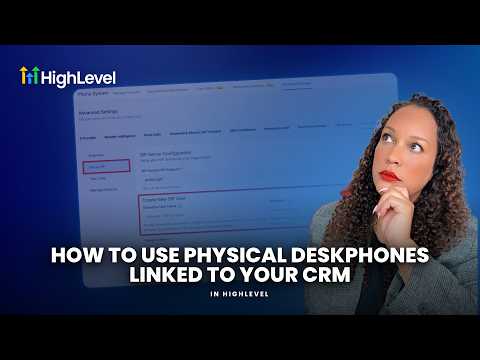
TL;DR
Users can now connect physical VoIP desk phones directly to the HighLevel CRM. This allows for making and receiving calls, as well as performing blind transfers.
Who this affects
HighLevel has not confirmed who is affected. It is likely relevant for agencies and their clients who use HighLevel for call management and prefer physical desk phones over software-based calling.
What changed
Users can now integrate VoIP desk phones with their HighLevel CRM. Connected desk phones can make outbound calls and receive inbound calls. Blind transfers can also be performed using these connected devices. HighLevel has not confirmed any limits, plan gating, or rollout status for this feature.
Where to find it
The setup process begins in the phone system settings. Users will select the VoIP desk phone option. HighLevel has not published the exact navigation path beyond 'phone system settings'.
How agencies will use this
An agency can set up physical desk phones for their sales or support teams within their HighLevel sub-account. For example, a client's sales team using a sub-account can have dedicated desk phones assigned to each sales rep. When a sales rep logs into their HighLevel account, their desk phone is ready for use. They can then make outbound calls directly from the CRM, with call logging handled automatically. Inbound calls to the client's HighLevel numbers will ring directly on the assigned desk phones. If a call needs to be routed to another team member, the rep can perform a blind transfer from their physical desk phone to another user's assigned phone within the same HighLevel setup. The setup involves configuring the phone with a SIP domain, username, and password, and then assigning it to a specific user. This setup can then be tested with a test ring.
Our take
This is a major update for specific use cases. For agencies whose clients rely on physical phone infrastructure for sales or support operations, this simplifies integration with HighLevel's communication tools. It addresses a gap for users who prefer or require traditional desk phones for their daily call volume. This isn't a universal need, but for those it affects, it's a significant functional addition.
Source: Official HighLevel announcement


