Go HighLevel Launches HubSpot Importer
TL;DR
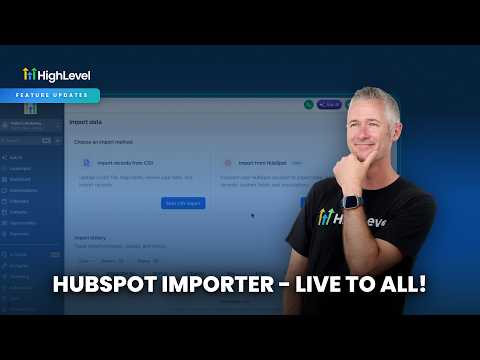
Go HighLevel released a HubSpot Importer for migrating contacts, deals, tasks, and companies.
TL;DR
Go HighLevel has launched a HubSpot Importer. It allows migration of contacts, deals, tasks, and companies.
No immediate action is required unless you are actively migrating from HubSpot.
Who this affects
This update affects agencies or SaaS entrepreneurs who need to migrate client data from HubSpot to Go HighLevel. If your clients or prospects are currently using HubSpot and considering a move to Go HighLevel, this tool is relevant. Agencies without clients on HubSpot can safely disregard this for now.
What changed
A new HubSpot Importer was launched. This tool facilitates the migration of specific data types from HubSpot into Go HighLevel. The importer supports contacts, deals, tasks, and companies.
HighLevel has not confirmed who is affected, where in the product this is located, what it replaces or breaks, or any limits or plan gating. HighLevel has not confirmed the rollout status for this feature.
Where to find it
HighLevel has not published the exact location for this new HubSpot Importer yet. Given its function, it will likely reside within the settings or import sections of a Go HighLevel account, possibly under a 'Migrations' or 'Integrations' heading.
How agencies will use this
An agency onboarding a new client who currently uses HubSpot for their CRM and sales processes can leverage this importer. For example, a client has 5,000 contacts, 200 open deals, numerous assigned tasks, and a database of companies in HubSpot. Previously, this data migration would require manual CSV exports and imports, or custom API work. With the HubSpot Importer, the agency can connect to the client's HubSpot account and initiate a direct migration. This pulls over all their contacts, preserving deal stages and values, transferring active tasks assigned to team members, and bringing in the associated company records. This streamlines the onboarding process significantly, allowing the agency to quickly get the client's data into Go HighLevel and begin setting up workflows, funnels, and communication strategies without losing historical context.
Our take
This is a significant update for agencies focused on client acquisition from other platforms. Simplifying data migration directly addresses a common friction point in onboarding. While details on specific limitations or its exact location are not yet confirmed, the core functionality of importing contacts, deals, tasks, and companies from HubSpot is a solid improvement. For agencies regularly migrating clients from HubSpot, this is a substantial time-saver. For others, it's a useful tool to be aware of when pitching to prospects currently on HubSpot. This is a major update for its target audience.
Source: Official HighLevel announcement


