Appointments Added to Custom Objects and Companies in HighLevel
TL;DR
HighLevel users can now view, schedule, and manage appointments directly within custom object and company records.
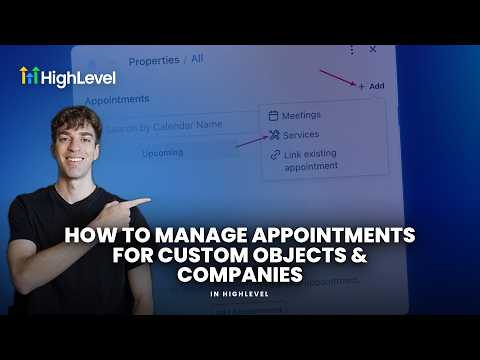
TL;DR
HighLevel now lets you schedule, link, and view appointments directly from custom object and company records. No immediate action is required unless your team manages bookings at the company or custom record level.
Who this affects
HighLevel has not confirmed which plans or tiers have access to this feature, nor who is specifically affected. Teams that rely strictly on standard contact records can ignore it, while agencies using custom objects or B2B company tracking should take note.
What changed
- Users can book new meetings, link existing appointments, and view historical scheduling directly from custom object and company records.
- An Appointments tab in the record sidebar allows users to toggle between upcoming and past appointments.
- New appointments can be scheduled by selecting a calendar type (services, rentals, or meetings), along with title, description, date, time, location, contact, and internal notes.
- Booked appointments display all associated contacts and attendees directly on the record.
- HighLevel has not confirmed whether this replaces or breaks existing features, nor have they published specific plan gating, limits, or rollout status.
Where to find it
In HighLevel, navigate to CRM, open a Custom Object or Company record, check the record sidebar, and select the Appointments tab.
How agencies will use this
An agency operator managing a B2B client can open the client's Company record inside the CRM instead of hunting down an individual contact. From the record sidebar, the operator selects the Appointments tab and schedules a session by choosing a calendar type—services, rentals, or meetings. They fill in the meeting title, date, time, location, internal notes, and attach the relevant contact and attendees to the booking. When another team member views that company record later, they can toggle between upcoming and past appointments to see all scheduled interactions and attendee details in one place.
Our take
This is a standard, practical update that removes unnecessary navigation clicks inside the CRM. It does not overhaul scheduling, but tying calendar bookings directly to company and custom object records addresses an obvious workflow gap for complex accounts.
Source: Official HighLevel announcement


